
Workflows: getting started
Workflows carry work from one person to the next: approvals, forms, reminders and payments, started by something that happens in Pages, Reach or Shop, or by a date.
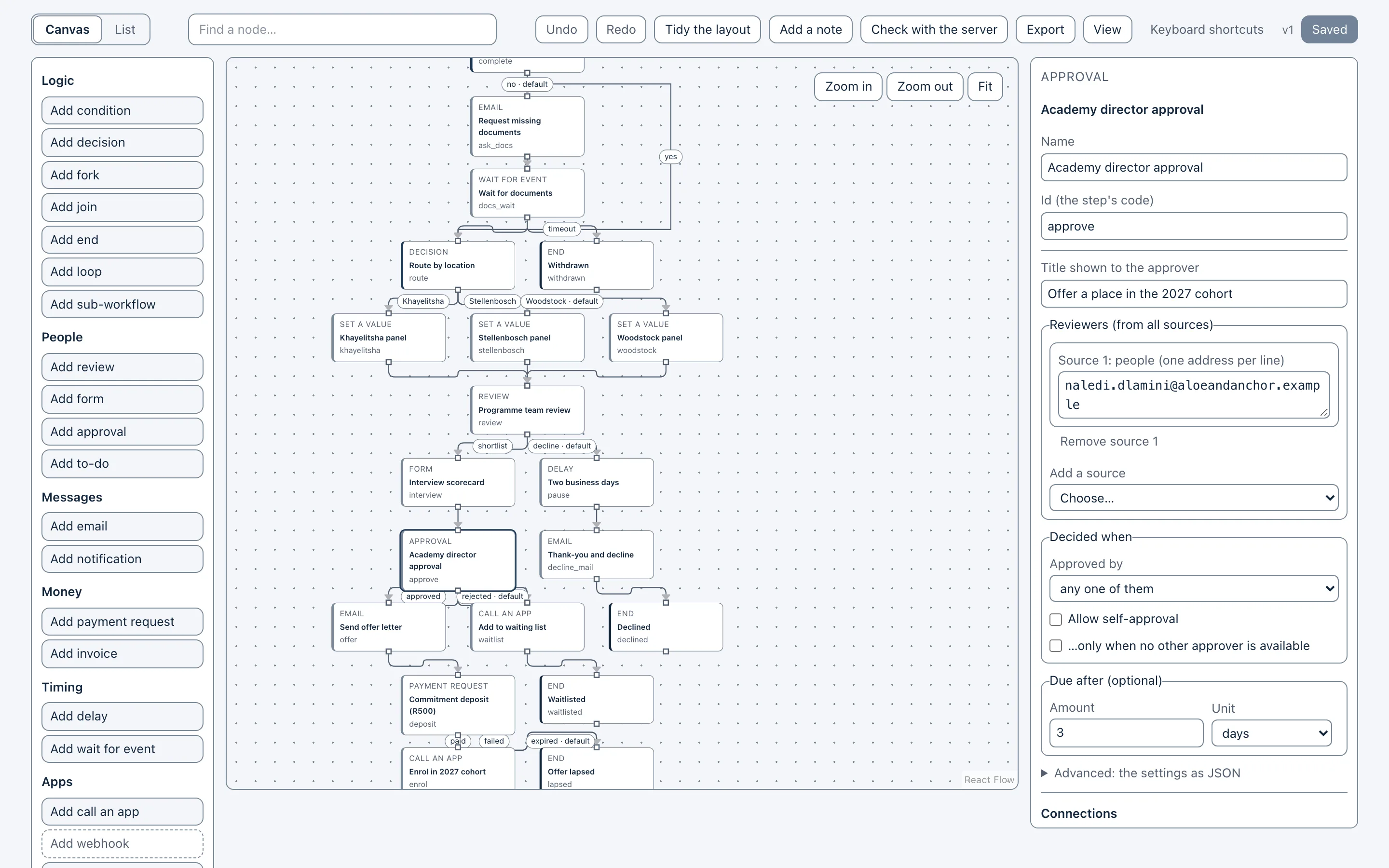
Where workflows live
In Reach, the Workflows screen is where you create workflows step by step and follow people on each one’s board: see Create your first workflow.
On the canvas, a workflow is drawn as a decision tree, tested with samples and saved as versions: see Build a decision tree.
In Pages, approval before publishing follows the rules under Settings & Integrations → Approvals: see Approvals in Pages.