
Talks and the podcast feed
Overview
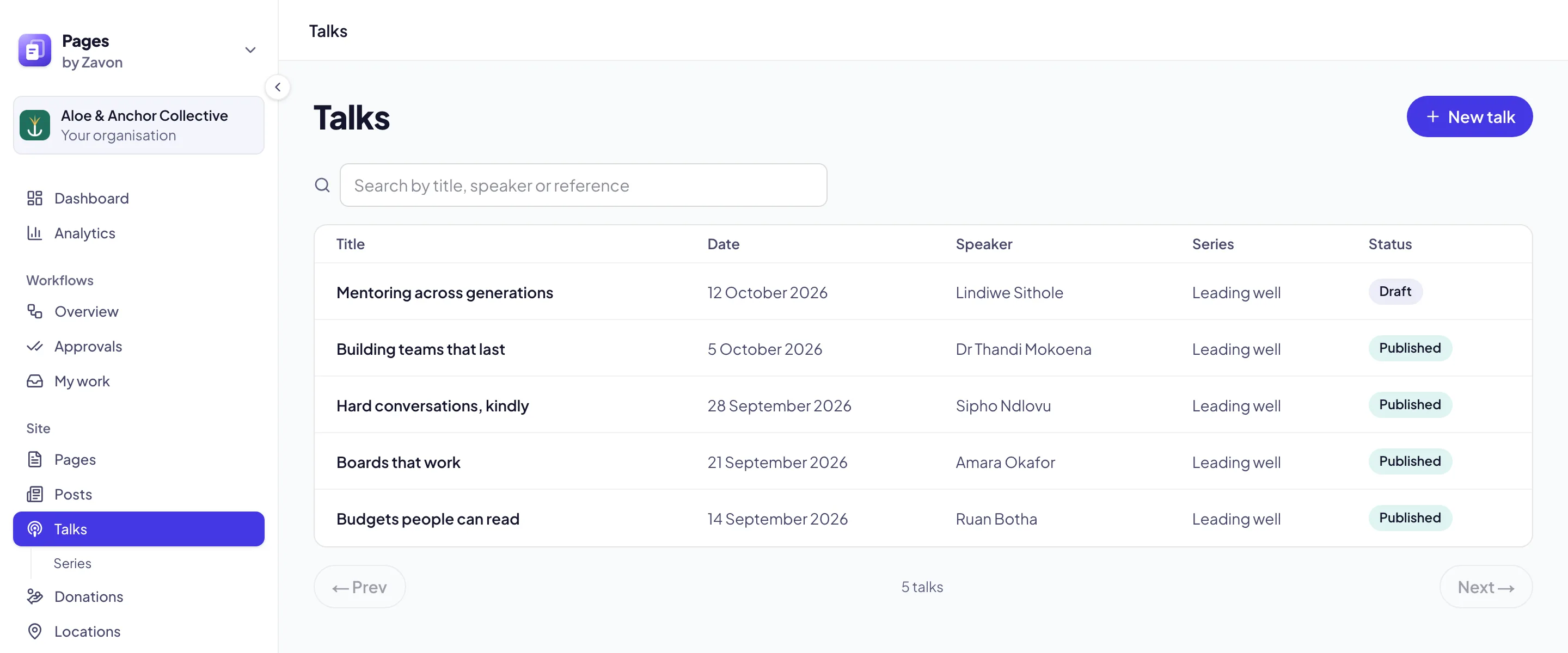
Communications teams publish talks and lectures on the site with their video, audio and notes, group them in series and offer them as a podcast. Visitors find the library at /talks, and each talk has its own page.
Add a talk
Start a talk
Under Site, choose Talks, then New talk.
Details
Enter the Title, Date, Speaker and Series, a Reference (optional), a Summary and Notes.
Watch and listen
Add the Video link (YouTube or Vimeo) and the Audio file link, and the Spotify link and Apple Podcasts link if the talk is there too. Set the Length (minutes) and a Thumbnail.
Publish
Set Status to Published and choose Save talk. Publishing needs permission to publish pages.
Good to know
Series are under Talks → Series.
The podcast feed is at /talks/podcast.xml on your site: give that address to Apple Podcasts and Spotify. Only talks with an audio file are episodes.
Your own word: under Settings & Integrations → Nomenclature, set A recorded talk — one and A recorded talk — several (for example Lecture and Lectures). The library is then also at that address (for example /lectures), and /talks keeps working.
On any page, the Latest talk and Talks blocks show your newest talks.