
Smart lists
Overview
A smart list is a list that follows a rule, such as people who checked in twice in the last three months. Reach works out who is on it each time you send to it or count it. Newsletters and campaigns send to a smart list like any other list.
Before you start
You need a role that can manage lists.
A rule reads tags, lists, consent, activity, scores and your own fields. Set up the tags and fields first.
Make a smart list
Open Smart lists
In the sidebar, select People › Smart lists. Then select New smart list.
Name it
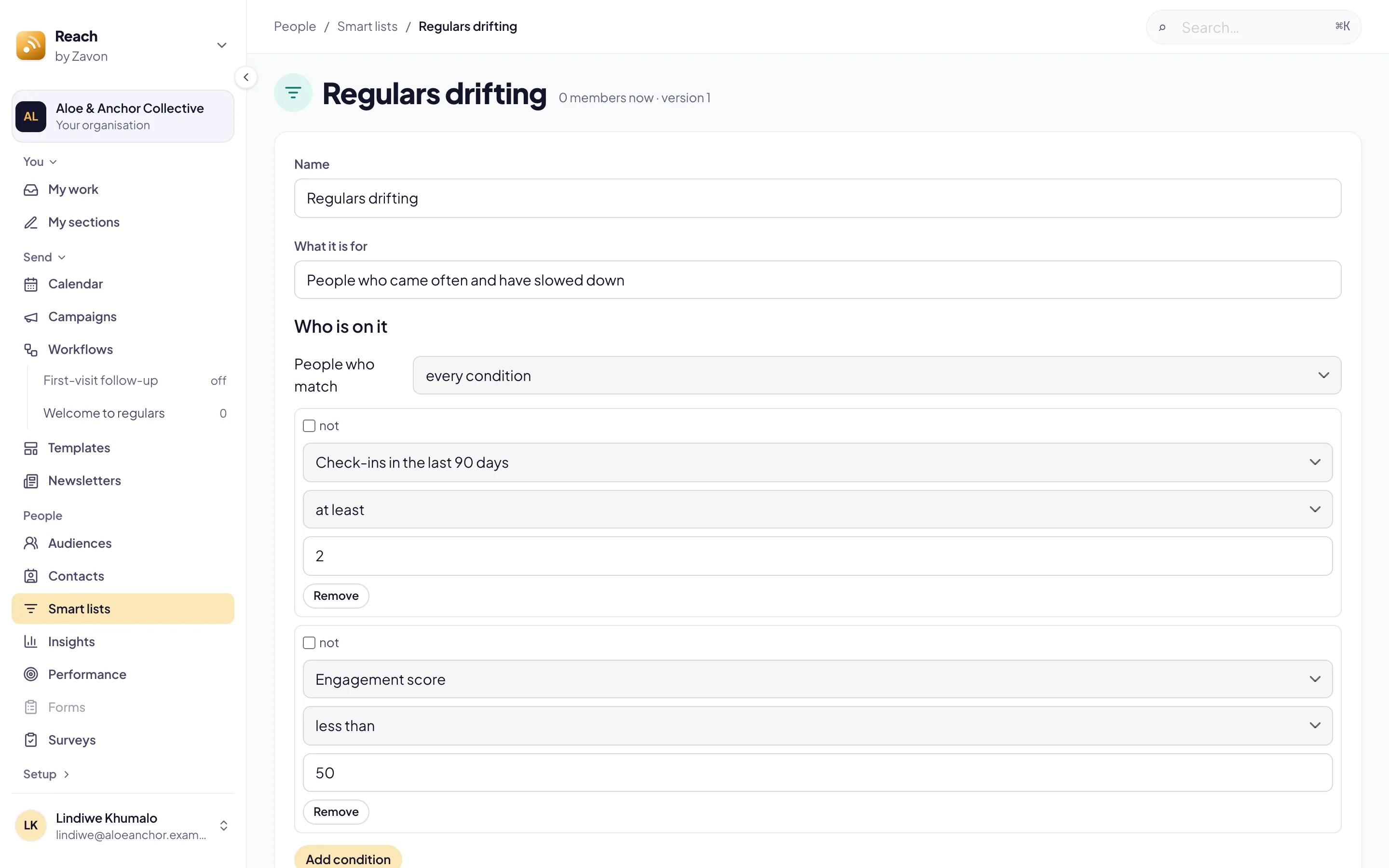
Type the Name. Type What it is for so others know when to use it.
Add a condition
Under Who is on it, select Add condition. Set the field, the comparison and the value.
Combine conditions
If there is more than one condition, set People who match to every condition or any condition.
Check who matches
Read how many people match now, and a few of their names.
Save
Select Save smart list. The list shows on Smart lists with its members now.
Describe the list with AI
Start
Under Who is on it, select Describe the list. The button shows the price in credits.
Describe the people
Type who should be on the list in Describe what you want. Then select Generate.
Apply
Read the explanation. Select Apply. The conditions fill in.
Troubleshooting
If Save smart list is grey, give the list a name and at least one complete condition.
If Reach says the rule is deeper than the editor draws, select Start again to write it here.
If you cannot delete a list, a newsletter or a campaign still sends to it. Choose another list there first.
Good to know
Worked out at the send. A send keeps who it reached. A person who matches later gets the next send.
One rule per list. A smart list cannot be made from another smart list.
Counts, not names. Describe the list sends your words and how many people hold each tag and list, never who.
Contacts and tags: the tags a rule reads.
People fields: your own facts, which a rule reads.
Send a newsletter: send to the list.