
Connect Planning Center groups and lists
Overview
If your organisation uses Planning Center, Reach can read audience properties from its groups and lists. Members of the group Young Adults can hold the property Young adults, for example. Reach reads each mapped group every six hours.
Before you start
Connect Planning Center under Setup › Integrations first. You need access to Audiences under People.
Reach matches a group member to a contact by their Planning Center record, then by email address. A member Reach has no contact for is counted, not added.
Map a Planning Center group
Open the property
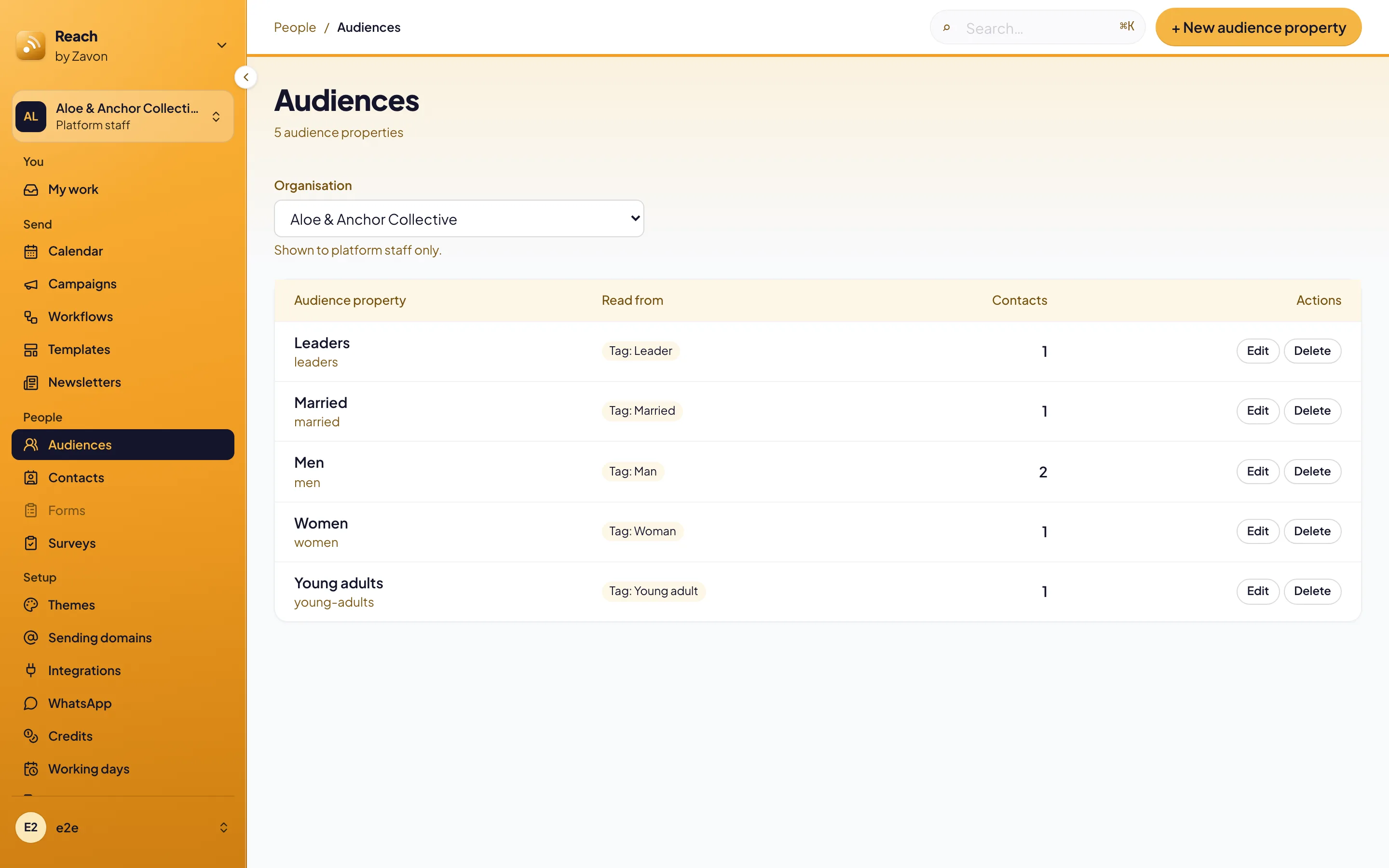
In the sidebar, select People › Audiences. Select Edit on a property, or select + New audience property.
Find the group
Under Planning Center groups, type part of the group’s name in Search groups.
Select it
Select the group. You can select more than one.
Save
Select Save audience property. Reach reads the group at once and shows the new count.
Map a Planning Center list
Bring the list in
Under Setup › Integrations, add the Planning Center list. It then shows under Lists in the property.
Select it
Open the property. Under Lists, select the list marked Planning Center list. Select Save audience property.
Read the groups now
Sync
On the Audiences screen, select Sync now under Planning Center groups. Each group shows its members, who is not in Reach, and when it was read.
Troubleshooting
If the groups do not show, check the Planning Center connection under Setup › Integrations.
If a group shows people not in Reach, import them first. Reach cannot send to someone it has no contact for.
If a sync fails, the group keeps its last members and shows why. Select Sync now again later.
Audience properties: name the kinds of people you write to.
Build your audience: lists from your contacts system.
Upcoming events in a newsletter: events for each reader.