
Online donations
Overview
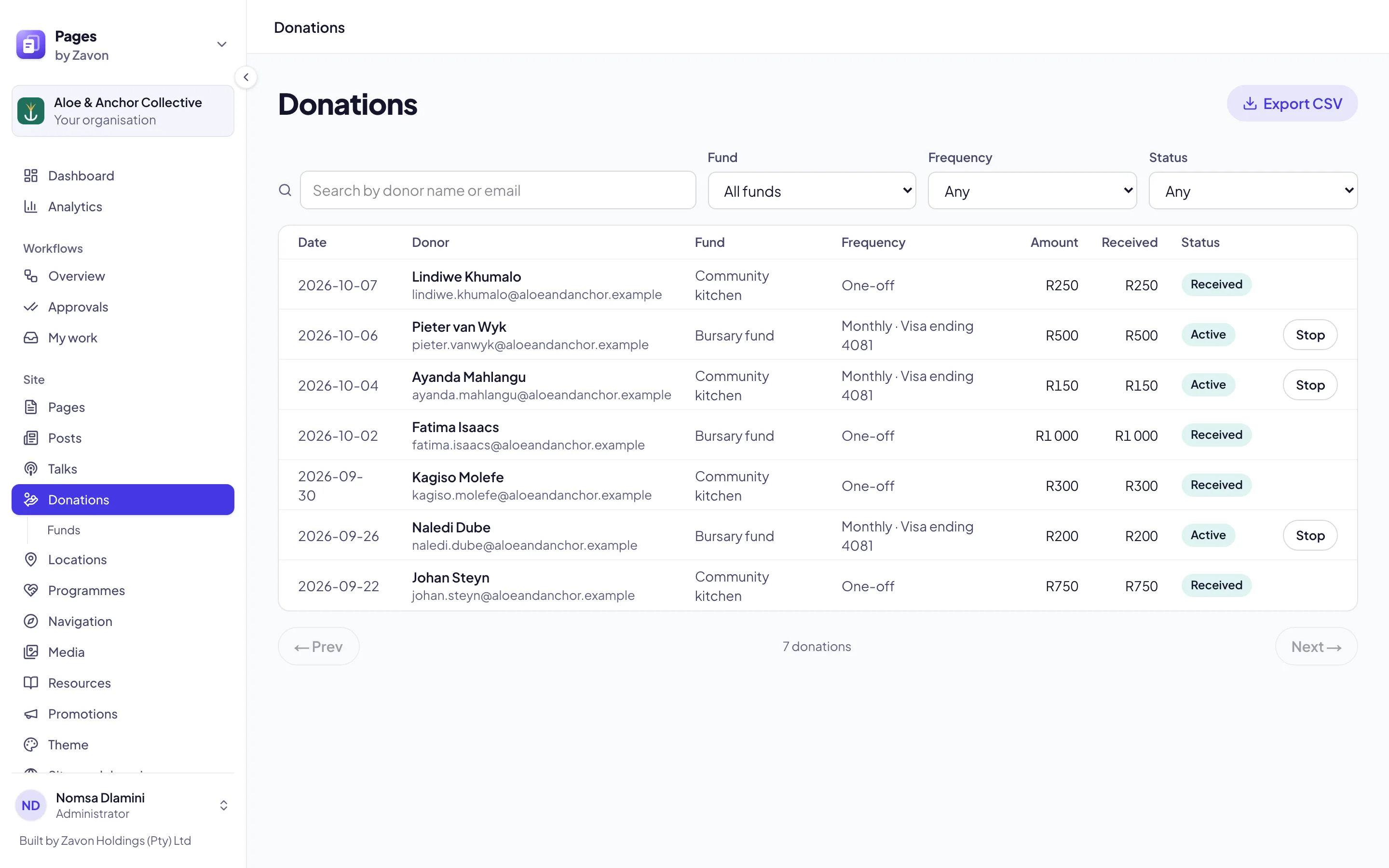
Finance and communications teams take one-off and monthly donations to their funds online, paid into the account set up under Payment settings. Every donor receives an emailed receipt, and each donation is listed in the console.
Start taking donations
Payments
Set up Settings & Integrations → Payment settings first. Donations are paid into the same account as tickets.
Funds
Under Site, choose Donations → Funds, then New fund. A fund can be Paid into a location’s own account.
The form
Your site’s /donate page is ready. To place the form on another page, add the Donation form block and choose a Fund (optional), or leave it empty to let donors choose.
Good to know
Monthly donations are charged to the same card each month. Every receipt has a link the donor can use to stop theirs, and Stop under Donations stops one for them.
Export CSV under Donations downloads the list you are looking at.
Pages emails a receipt for every donation; it does not issue tax certificates.