
Shop: getting started
Shop is your online store and your point of sale, sharing one stock list. Your storefront appears on your Pages website.
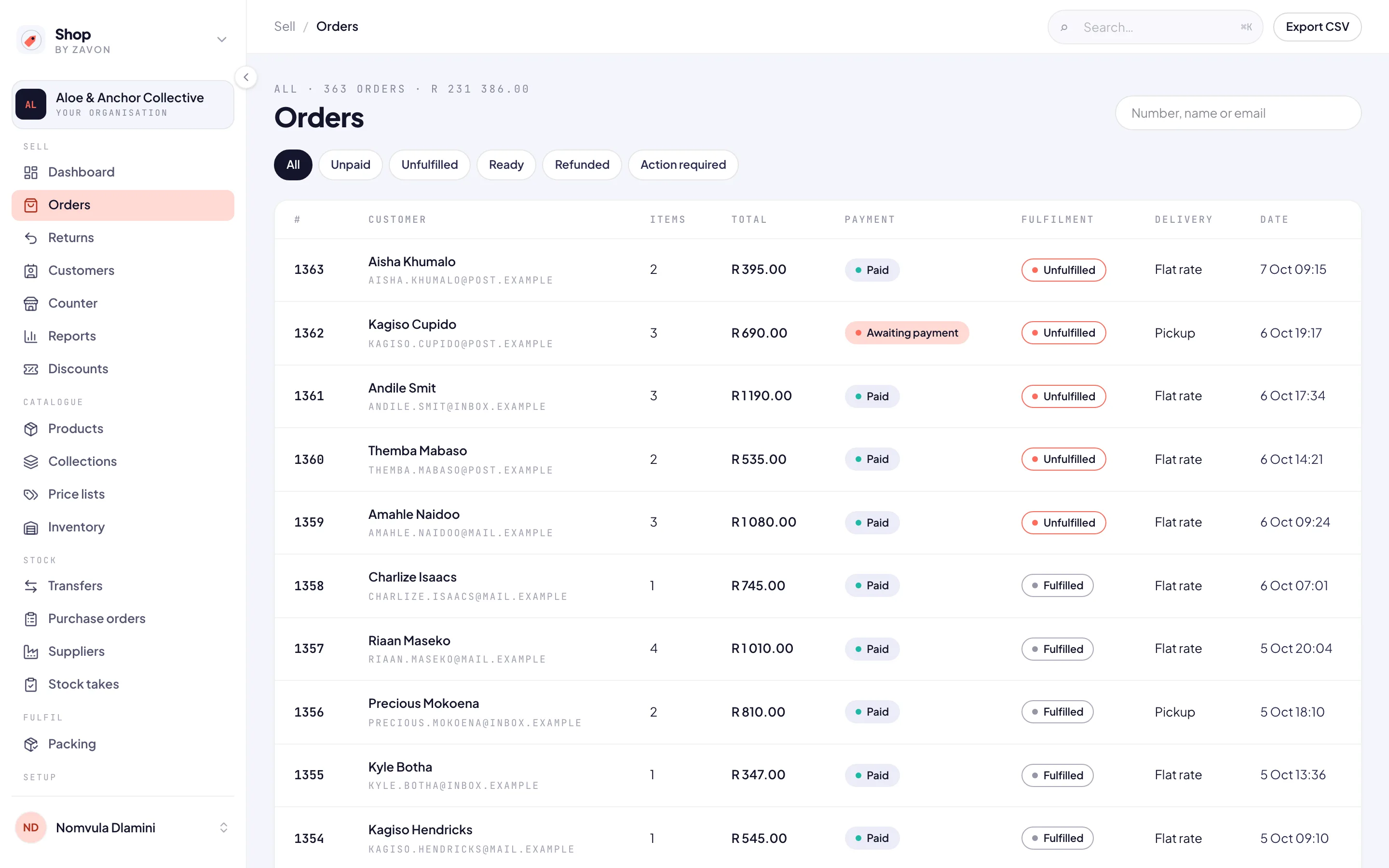
Find your way around
Sign in at shop.zavonpages.com/admin. You start on the Dashboard. The sidebar groups the console into Sell (Dashboard, Orders, Returns, Customers, Counter, Reports, Discounts), Catalogue (Products, Collections, Price lists, Inventory), Stock (Transfers, Purchase orders, Suppliers, Stock takes), Fulfil (Packing) and Setup (Locations, Shipping, Payments, Settings, Users, API & webhooks).
A new shop’s Dashboard lists what is still needed before it can open, each item with a Fix → link. Zavon opens your storefront once a test purchase and refund have gone through.
Take the tour
The first time you open Shop, a short tour points out where to start. To see it again, open your account menu at the foot of the sidebar and choose Take the tour. Documentation in the same menu brings you back to these guides.