
Pages: getting started
Pages is where you build your website and run your events, programmes and applications. This guide shows you around the console; the guides below take you through each task step by step.
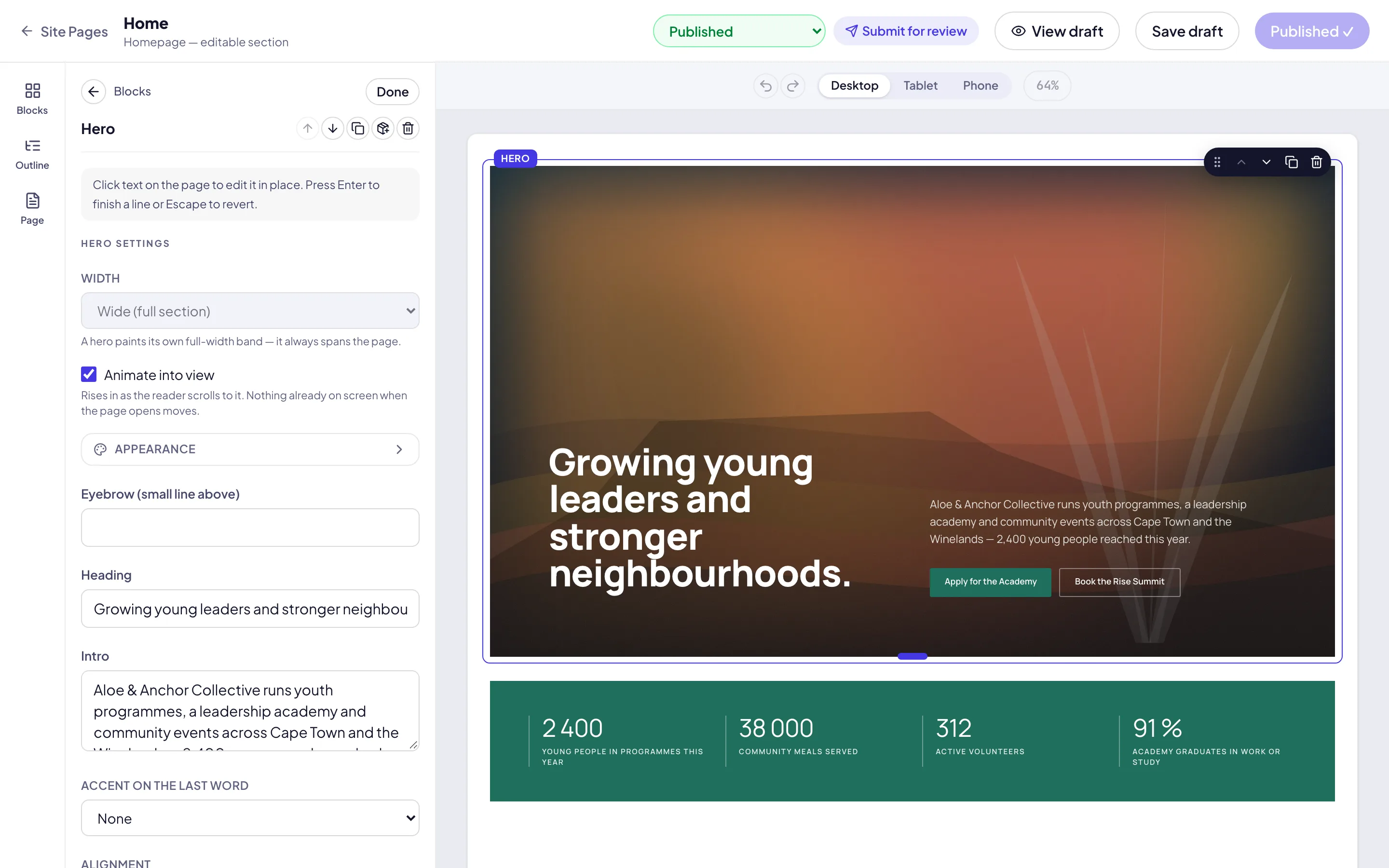
Find your way around
Sign in at app.zavonpages.com/admin. You start on the Dashboard. The sidebar groups the console into Site (Pages, Approvals, Locations, Navigation, Media, Theme, Sites and domains and more), Events (Calendar, Events, Registration forms, Discount codes), People (Contacts, Team & Staff, Applications, Users, Roles, Activity) and Settings. You see only the screens your role allows.
Some names follow your organisation’s own words: a church sees Ministries where another organisation sees Programmes, for example. Change them under Settings & Integrations → Nomenclature.
Take the tour
The first time you open Pages, a short tour points out the main screens. To see it again, open your account menu at the foot of the sidebar and choose Take the tour. Documentation in the same menu brings you back to these guides.