
Import or export people
Overview
Import adds people to Reach from a spreadsheet, and export takes them out as one. Reach checks an import before it changes anything, and you can undo it for seven days.
Before you start
To import, you need a role that can import people. To export, you need a role that can export people. These are separate permissions.
Save the spreadsheet as CSV first. Each row needs an email address or a mobile number.
Import people
Open the screen
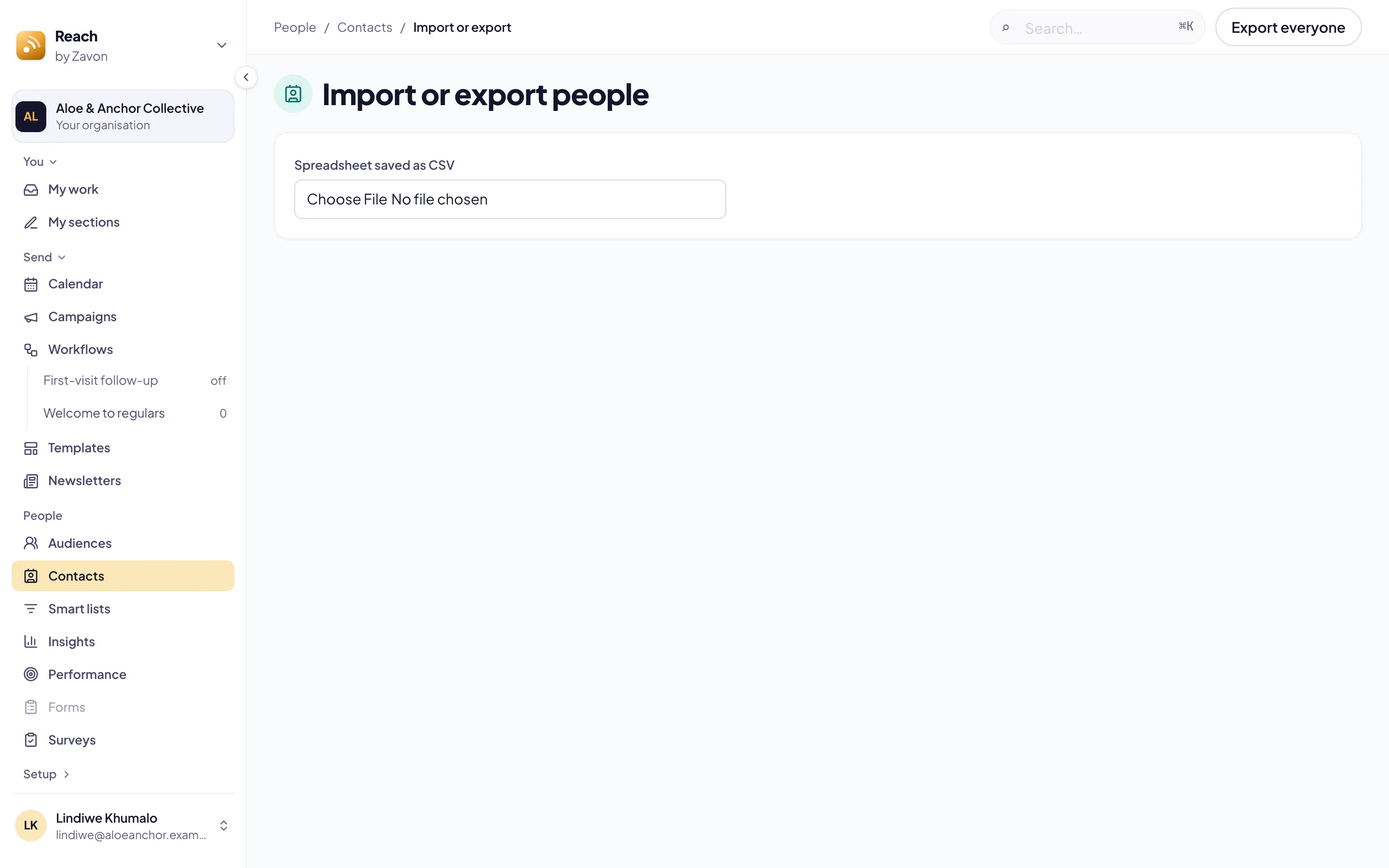
In the sidebar, select People › Contacts. Then select Import or export. The steps show at the top: Choose a file, Match columns, Review and Done.
Add the file
Drag the CSV file onto Spreadsheet saved as CSV. Or select the button in the drop zone, then pick the file.
Map the columns
Under Match columns, set Becomes for each column. Set Leave out for a column you do not want.
Set the dates
Set Dates are written to the order your file uses.
Tag everybody
If you want one tag on every person in the file, type it in Tag everybody in the file. Select that tag in an audience or a smart list to send to them.
Check the import
Select Check the import. Review shows how many people are New, Updated, Unchanged and Left out.
Import
Select Import N people. The people show in Contacts when the import is done.
Undo an import
Find the import
On Import or export, find the import under Review. It says until when it can be undone.
Undo
Select Undo. The screen asks in place: select Undo import, or Keep import.
Read the result
Read Undone. People the import added are archived. Tags, fields and stages it set go back.
Export everyone
Export
On Import or export, select Export everyone.
Save the file
If your organisation has no more than 5000 people, find the CSV file in your downloads. It downloads at once.
Wait for the email
If it has more, open the email that Reach sends when the file is ready.
Download
Open the link in the email. Then select Download. The file downloads.
Troubleshooting
If Check the import is grey, set the column with the email address or the mobile number.
If Import N people is grey, nothing would change.
If the link in the email says there is no such export, it is somebody else’s export, or it is older than seven days. Export again.
Good to know
Only the person who asked. The link downloads only for you, signed in to Reach. A forwarded email does not give anybody the file.
Seven days. Reach keeps a large export for seven days and then deletes it.
Nothing is overwritten. An import fills what is empty. It does not change a name or an address that somebody corrected.
Map columns for me. With AI assistance on, Map columns for me suggests what each column becomes. It sends the column names and a few values, never the whole file.
Contacts and tags: find and tag the people you imported.
People fields: your own facts, which an import can fill.
Data protection: requests to see or erase what you keep.