
Accounts: getting started
One Zavon account signs you in to Pages, Reach, Shop and HR. Sign in once and move between apps without signing in again.
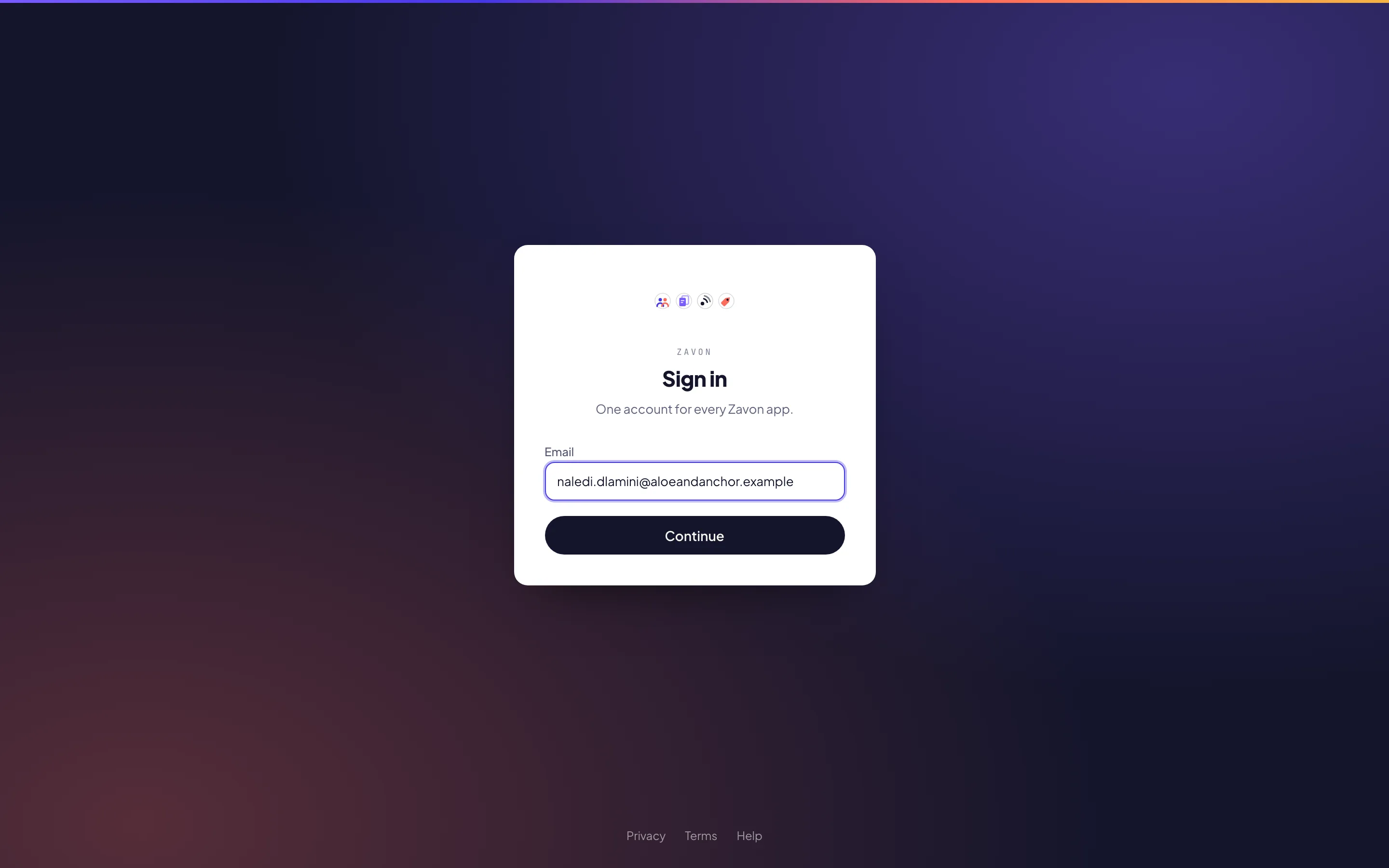
Sign in
With a passkey
On the sign-in page, choose Sign in with a passkey and confirm on your device. See Passkeys to add one.
With an email link
Or enter your Email and choose Continue. A sign-in link arrives by email; it works once and expires in twenty minutes.
Your account
Your account page, login.zavonpages.com/account, shows your apps and your passkeys. Sign out everywhere signs you out of every Zavon app at once.