
HR: getting started
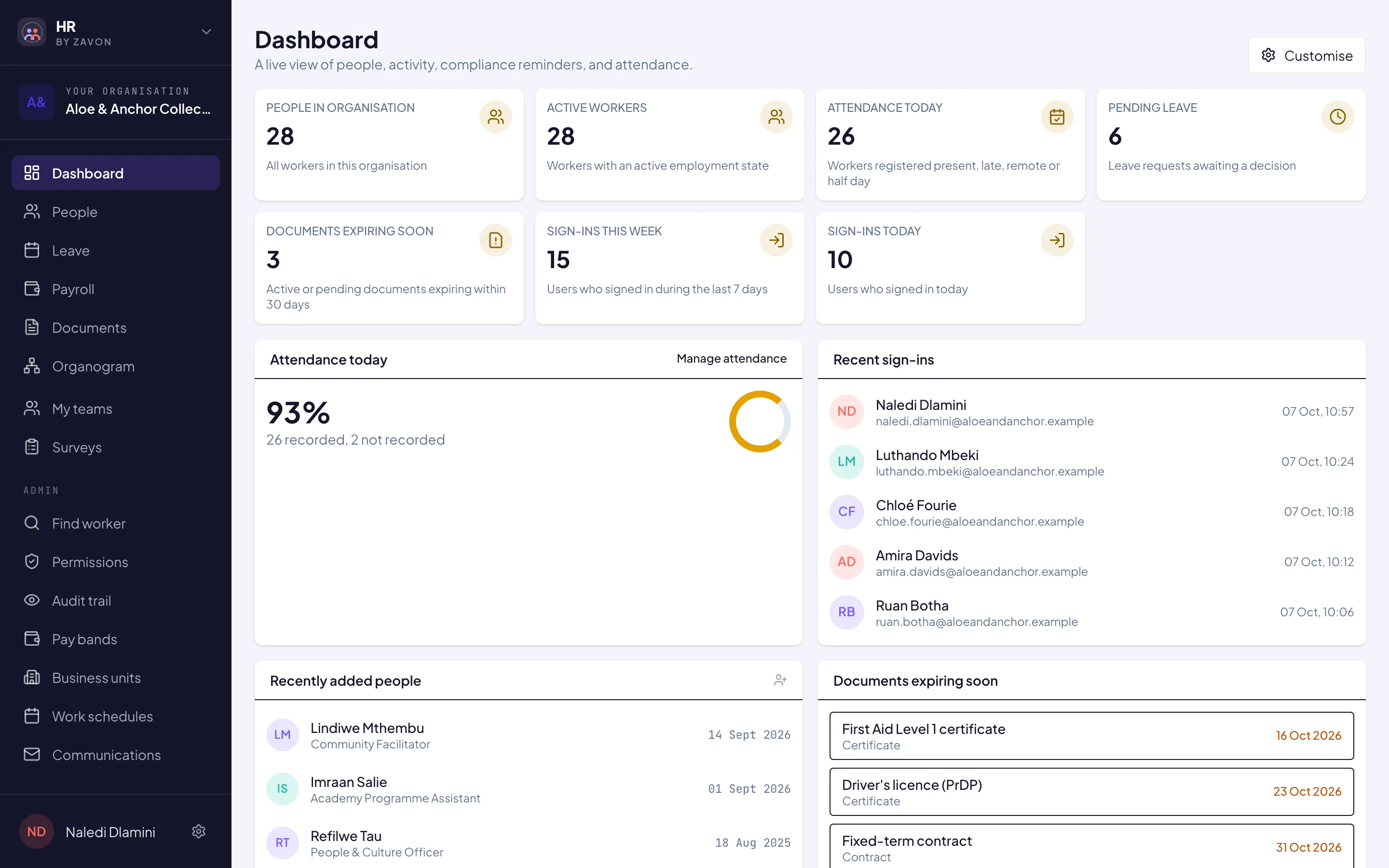
HR keeps your people’s records, leave and payroll in one place. Sign in at hr.zavonpages.com; the sidebar shows Dashboard, People, Leave, Payroll, Documents, Contracts, Organogram and more, as your role and plan allow.
Add your people
One at a time
Open People and choose Add worker. Fill in their details and choose Create worker.
Many at once
Choose Bulk import. Download template, fill it in, and upload it. Leave Validate only (nothing is saved) ticked and choose Validate; when there are no errors, untick it and choose Import.
Leave
Request leave
Open Leave and choose Add leave request. Choose the Leave type, Starts and Ends, add a Reason, and choose Submit request. Calculate impact shows the effect on the balance first.
Approve leave
Approvers open the Requests tab and choose Approve or Reject (rejecting asks for a reason).
See who is away
The Calendar tab shows the team’s absences.
Payroll
Open a period
Open Payroll, go to Periods and choose + New period, then Create period.
Run payslips
On Payslip runs, choose the period and Generate payslips for this period. Export EMP201 (CSV) downloads the EMP201 figures.
Payslips for everyone
Each person sees their own under My payslips, with Download PDF.
Your team
To invite colleagues who run HR with you, see Invite your team. Permissions are set under Admin → Permissions.